STUDIO MODES
Studio Modes let people inhabit the same studio in different ways, depending on what the moment needs. A course cohort, an alumni network, a small collective — the studio stays the same, but the intent shifts: process, feedback, or presentation. It’s a simple switch that changes what you’re asking from the space, and what the space communicates back.
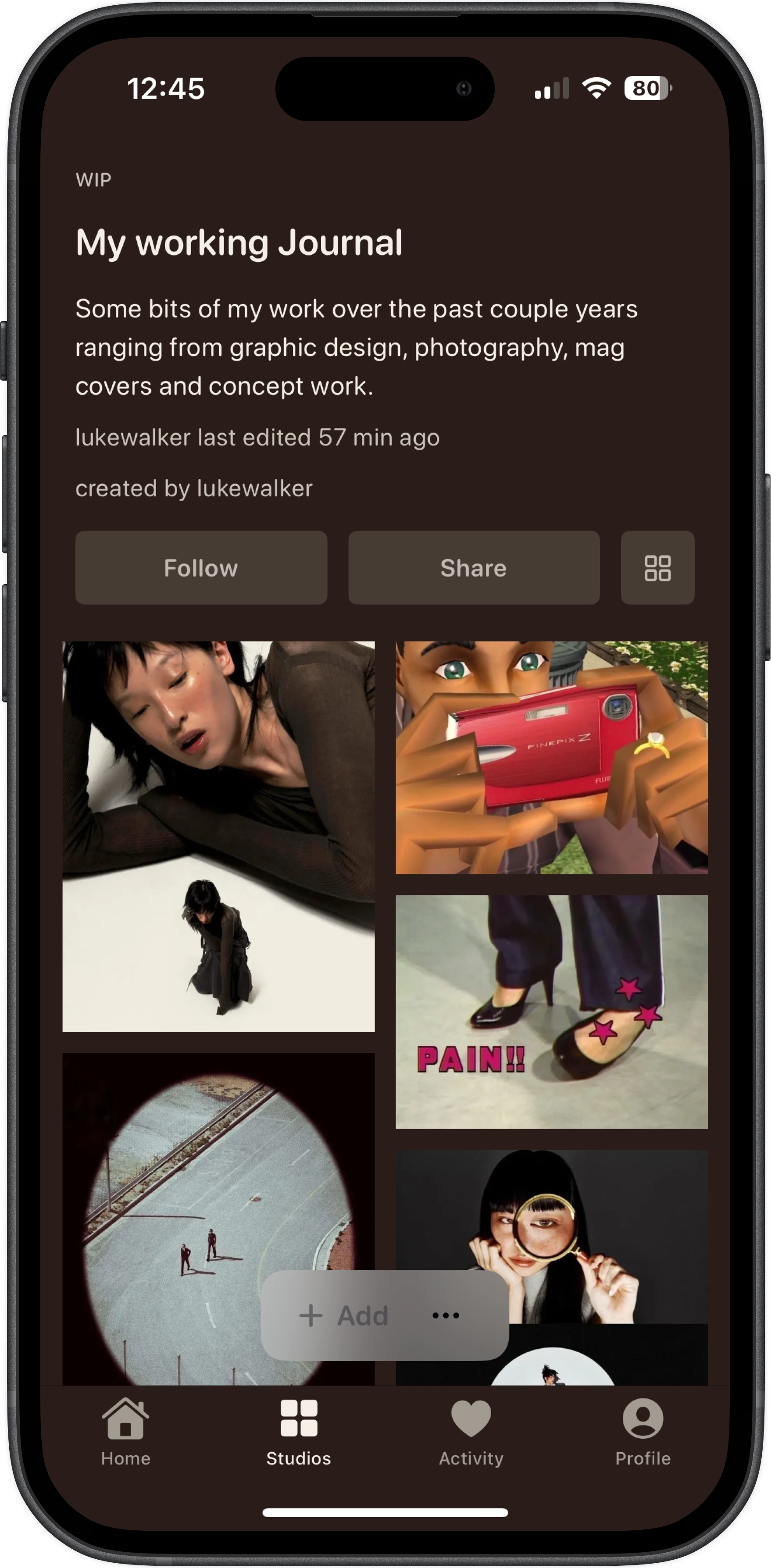
For working things through in public: sketches, drafts, loose references, progress notes. A place for practice, collaboration, and showing how something is becoming.
PRIVACY & ACCESS
Studios come with privacy and access built in, not as an afterthought. Decide who gets to see the studio, and separately, who’s allowed to move things around inside it. It’s the difference between sharing your work and handing over the keys.
OPEN STUDIOS — anyone you allow into the studio can contribute and add posts.
CLOSED STUDIOS — only the creator can add posts; others can view (if allowed) but can’t contribute.
PUBLIC STUDIOS — visible to anyone who can access the link / browse you (i.e. not hidden).
PRIVATE STUDIOS — visible only to you (and explicitly invited collaborators); effectively a hidden studio.
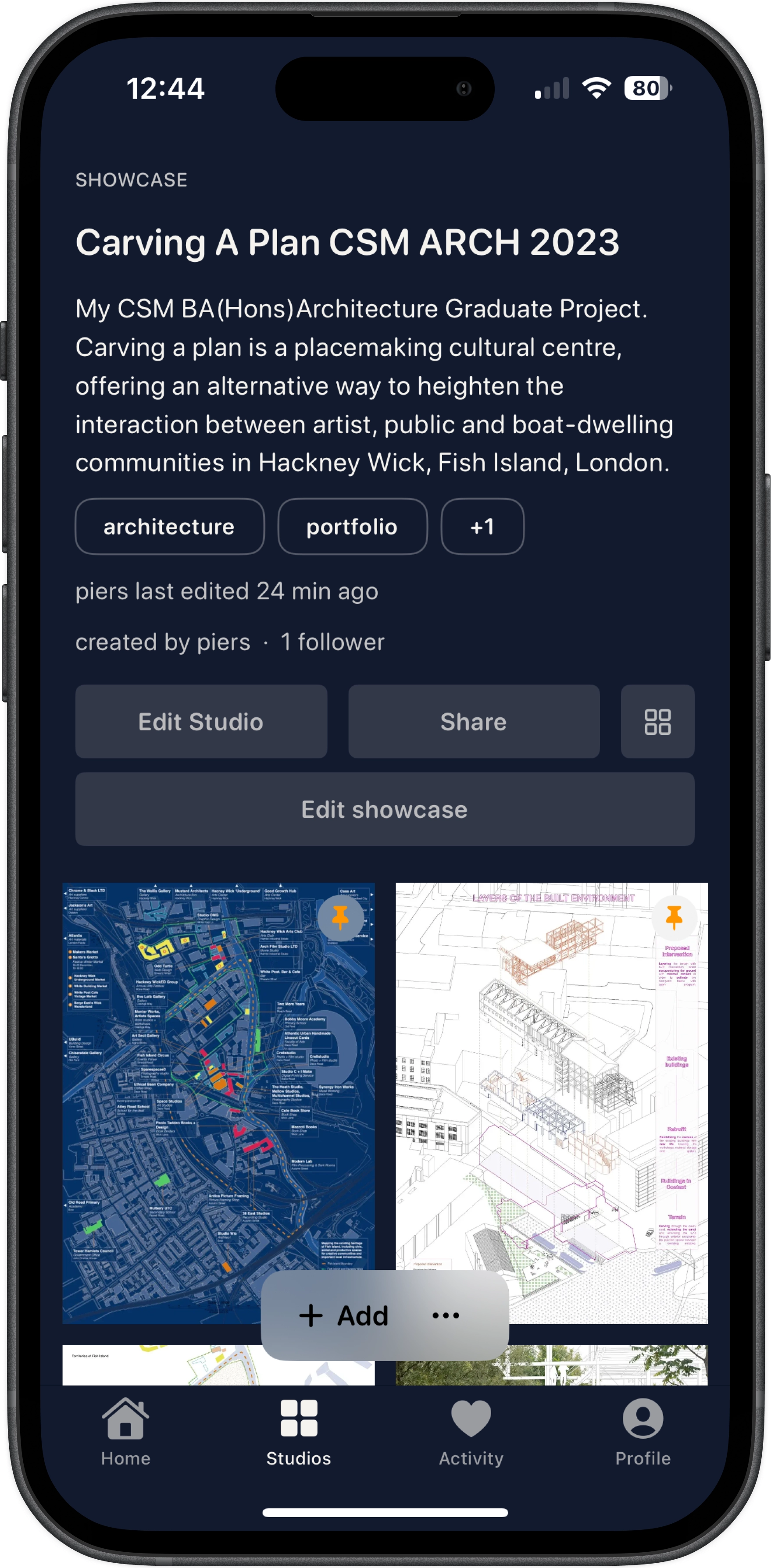
A portfolio-like studio: anyone can view it, but only you can add to it. Clean, intentional, easy to share.
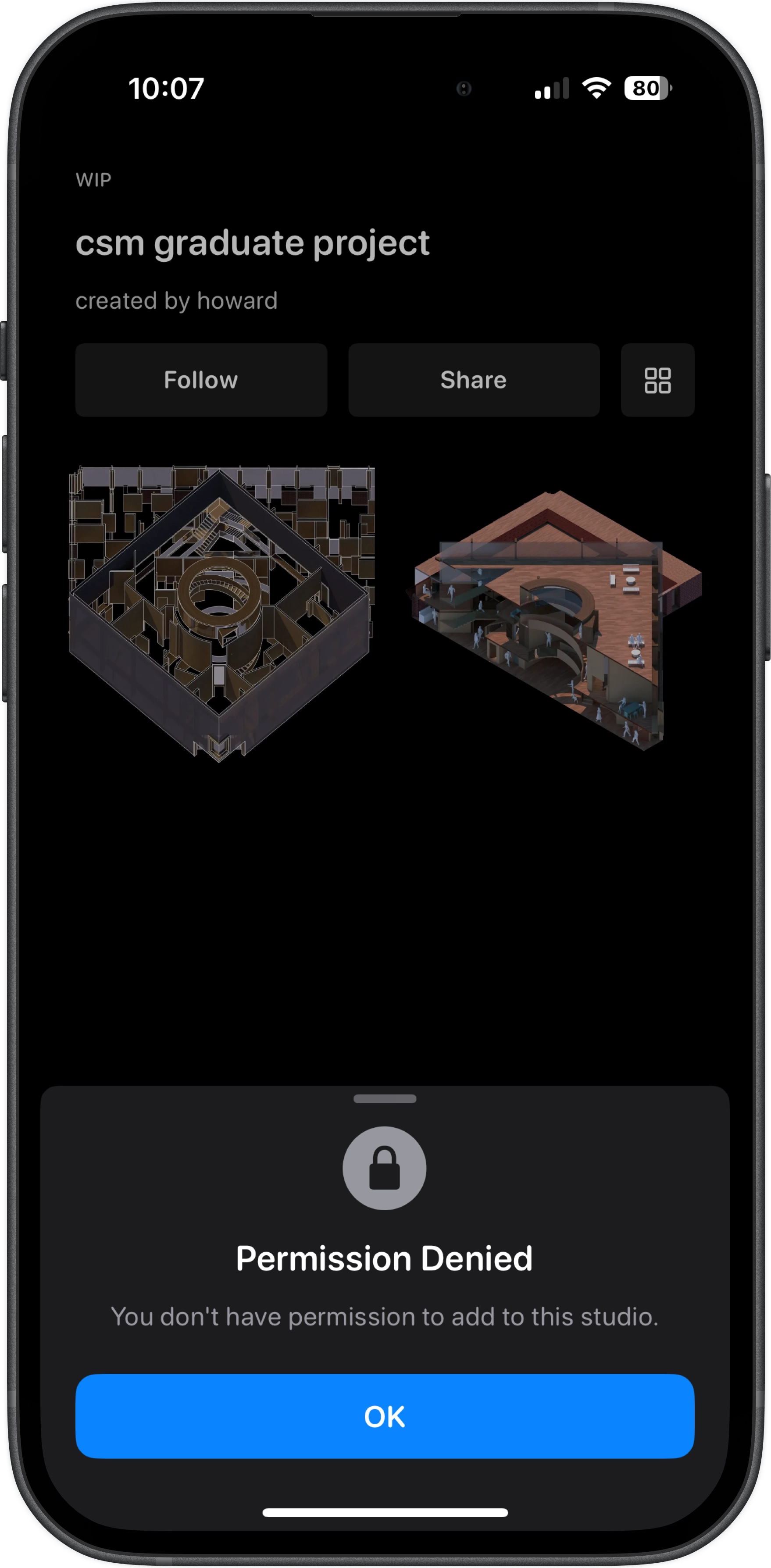
Studios respect access. If you haven't been given access (or you don't have the right role), you can't add to the space, even if you can view parts of it. This is what "privacy and access" looks like in practice.
COLLABORATION
Sometimes you want a small room, not a stage. A few people you trust - friends, a collective, a design team - working together without turning the studio into something public. Collaboration is for building with others, while keeping control over who’s in the room and what they’re allowed to do.
VIEWER — can view the studio (and its posts), but can’t add or edit.
EDITOR — can contribute posts and help shape the studio.
ADMIN — can manage collaborators and higher level studio controls.
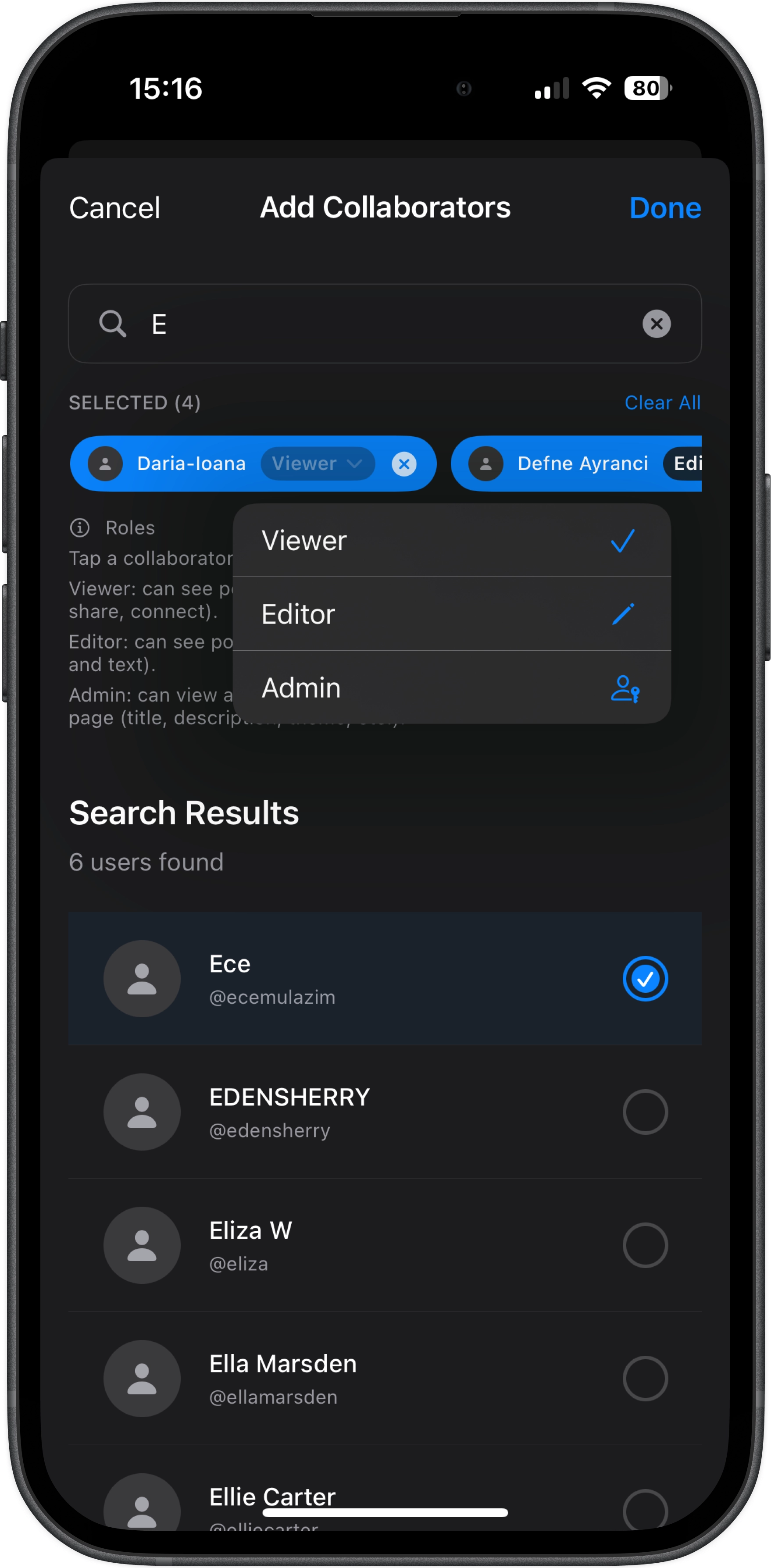
Invite specific creators into a studio and assign roles: viewer, editor, admin. Built for collectives, communities, and design teams that need shared space.
STUDIO STYLING
Studios aren't one-size-fits-all. You can shape the look and feel of a studio to match the work inside it — from scrapbook-y WIP spaces, to clean portfolio grids, to more editorial, text-led formats.
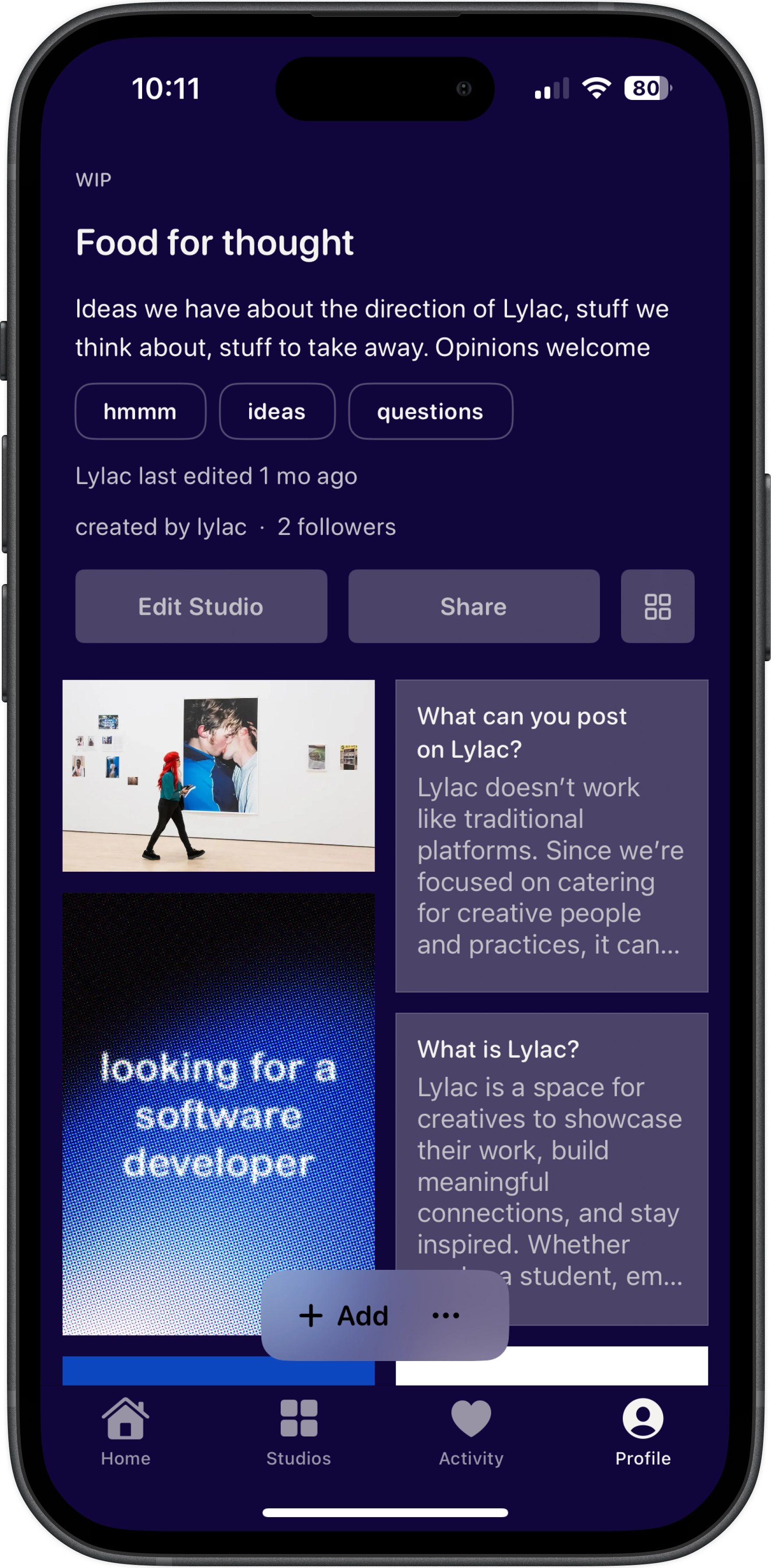
A few examples of how creators are styling their studios on Lylac — colour backdrops, image-led feeds, newspaper-like text layouts, and more editorial compositions.
CREATIVE CONTROL
Studios are designed to give creators real control over how their work is presented. You can highlight specific posts, rearrange the order of projects, and shape the flow of a studio so it reflects your process rather than an algorithm.
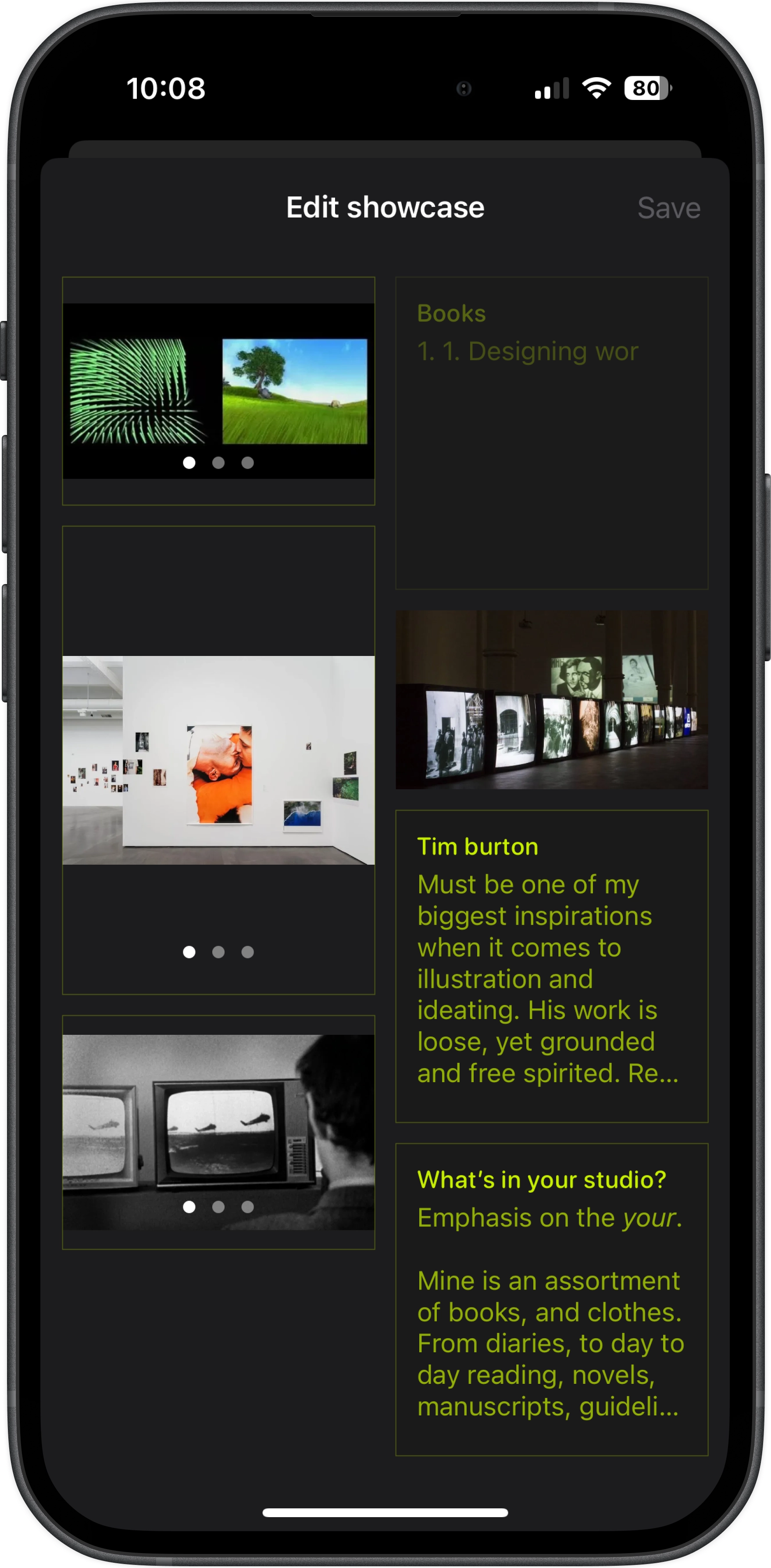
Lylac includes tools built specifically for creative work — letting you highlight key posts and reorder your studio so the work appears exactly how you want it to.
STUDIOS ON THE WEB
Studios aren’t limited to the app. Every studio can also be viewed on the web, making it easy to share work with tutors, collaborators, or anyone without a Lylac account. For many creators, a studio becomes a simple personal website — a place where projects, ideas and process can live publicly.
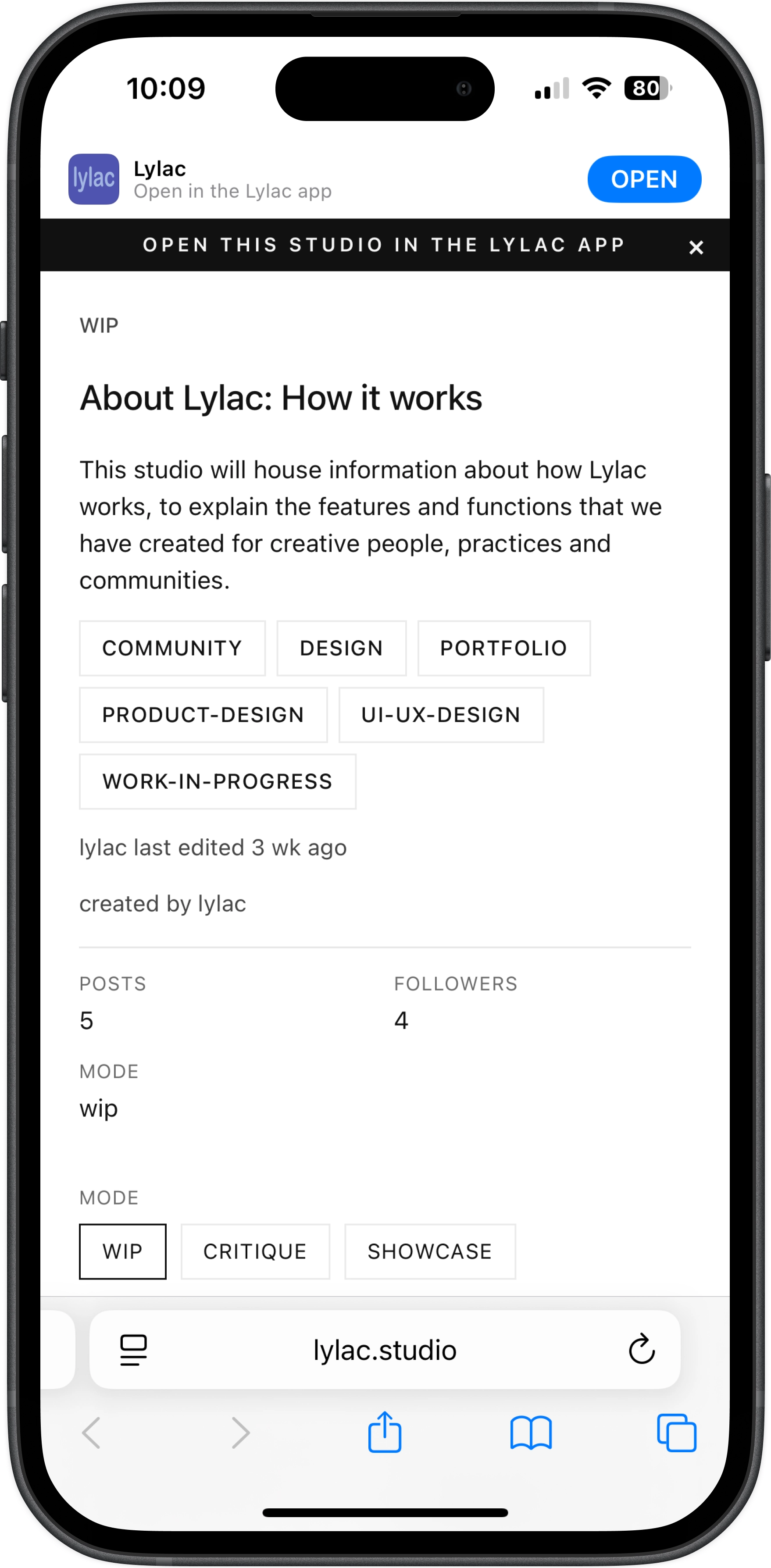
Studios can be opened in any browser and shared with a simple link, turning your Lylac space into a lightweight portfolio page.
We’ve also written more about why bringing studios to the web matters for creatives. Read the full essay.